Ensor — Your Prompt, Your Data

The iPhone Way to Manage AI.

A free BYOK AI chat app for iPhone. Bring your own API key from OpenAI, Anthropic Claude, Google Gemini, xAI Grok, DeepSeek, OpenRouter or any OpenAI-compatible API — no Ensor account, no Ensor server.

Local
Simple
Beautiful

Download on theApp Store

Free · Requires iOS 17 or later

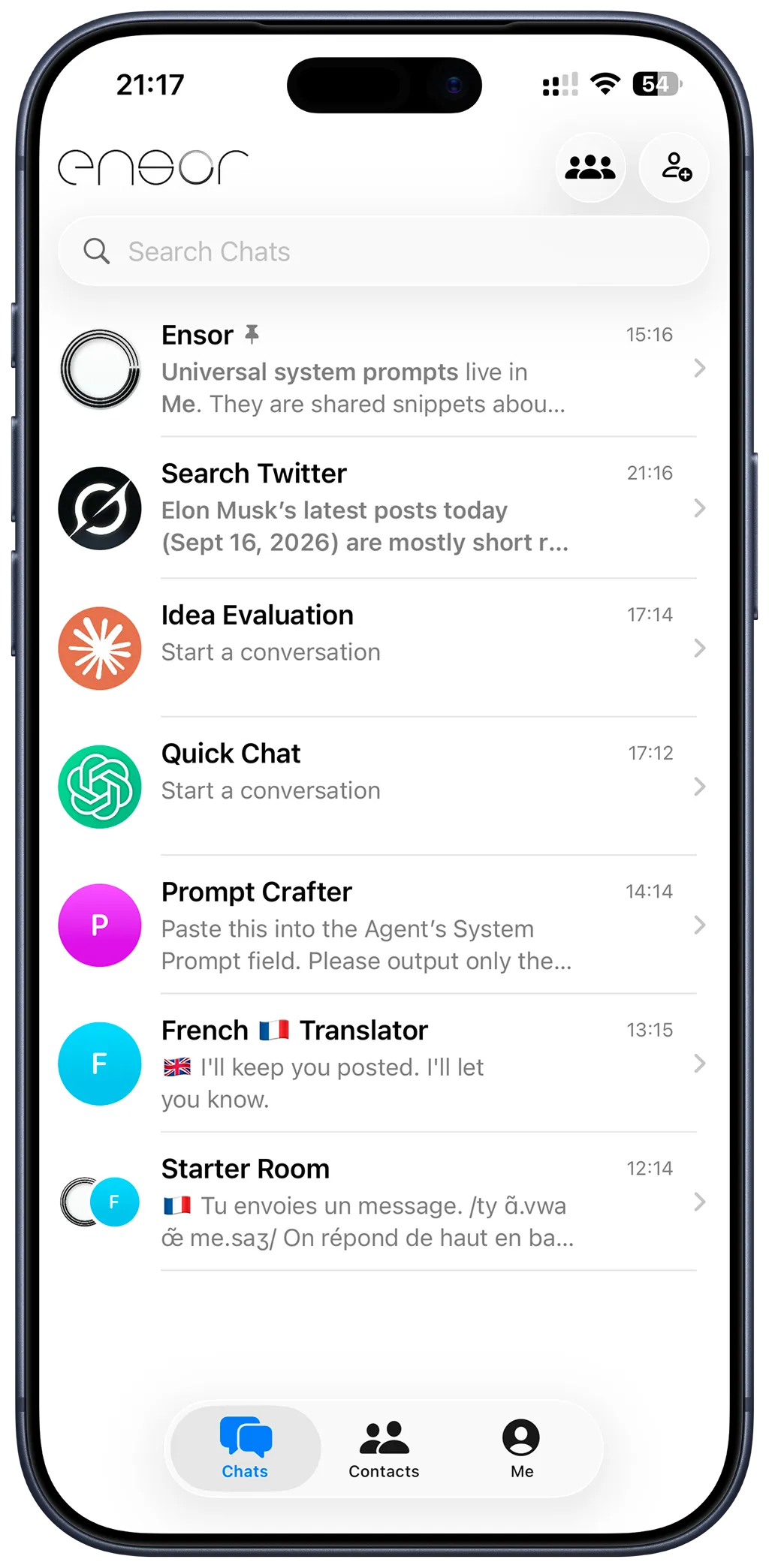
Ensor chats list on iPhone with AI contacts for search, idea evaluation, translation and a group chat

AI, the iPhone Way

Ensor is a native iPhone app for managing and talking to your AI. Instead of starting from a blank chat and pasting the same prompt again and again, give each AI a name, a role, and a purpose. Your prompts become AI contacts you can return to anytime.

A focused, native interface designed around the way you already use your iPhone — simple, personal, and familiar.
Designed for AI on iPhone

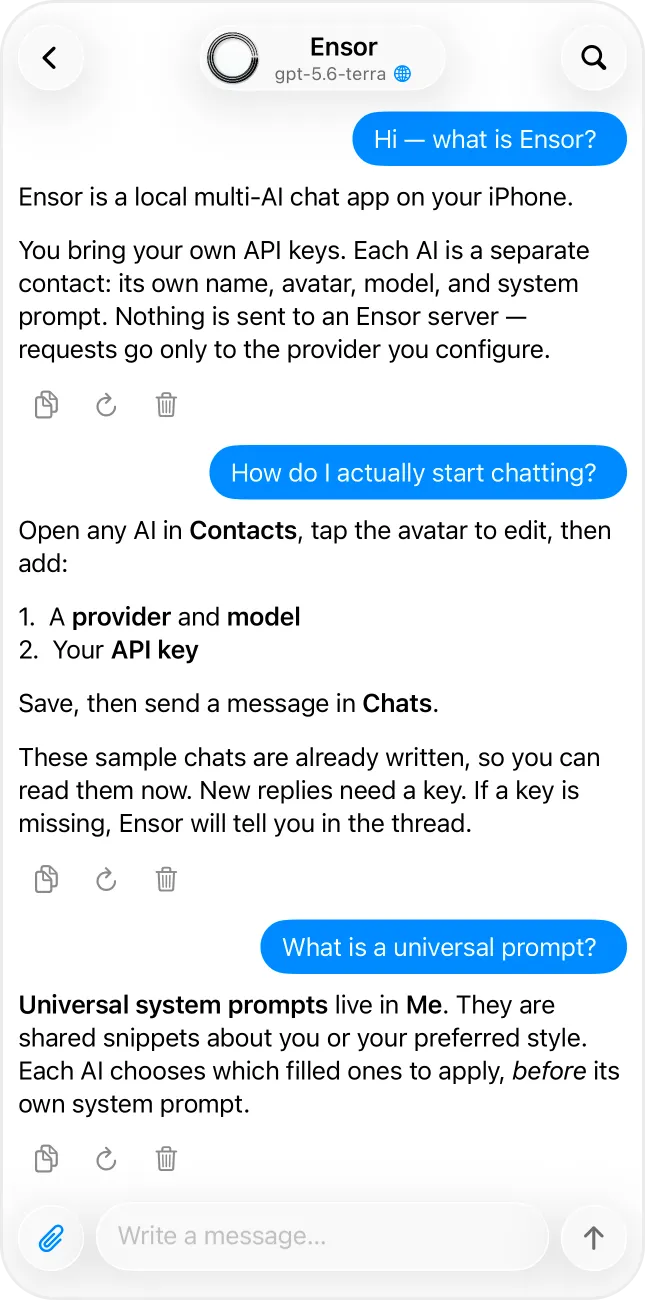
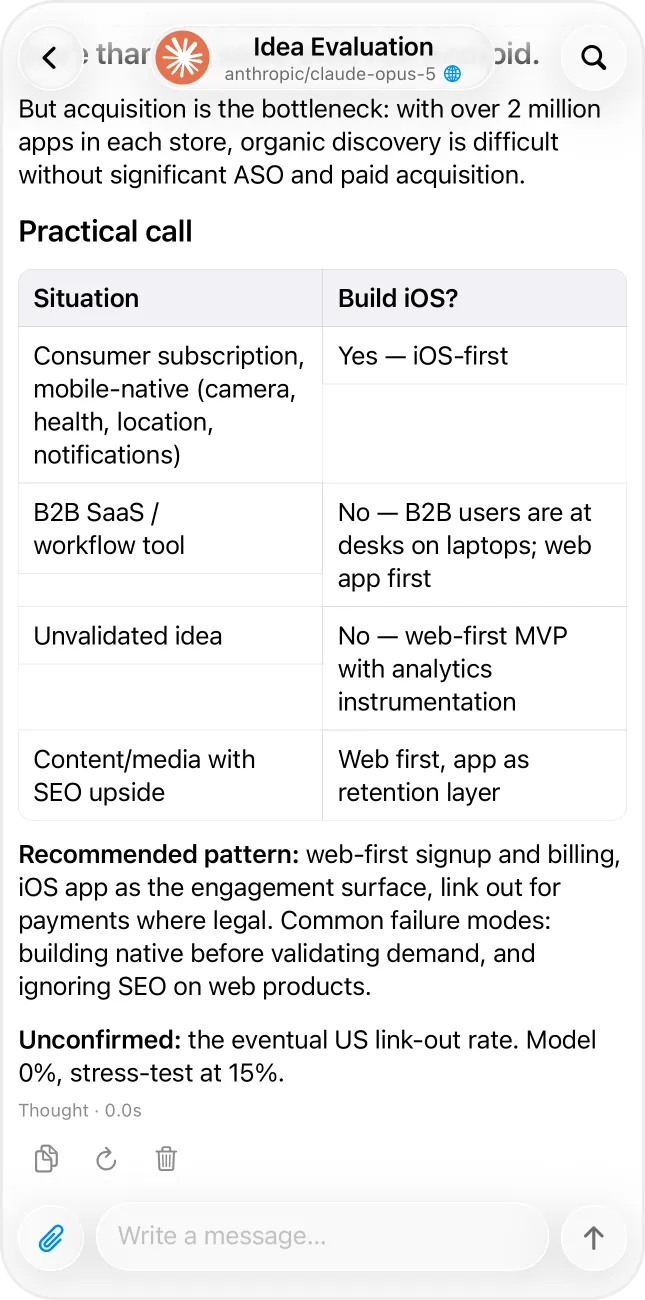
Ensor explaining itself: a local multi-AI chat app where you bring your own API keysA Claude model replying in Ensor with a formatted Markdown table

One AI, One Purpose

Turn Prompts into AI Contacts.

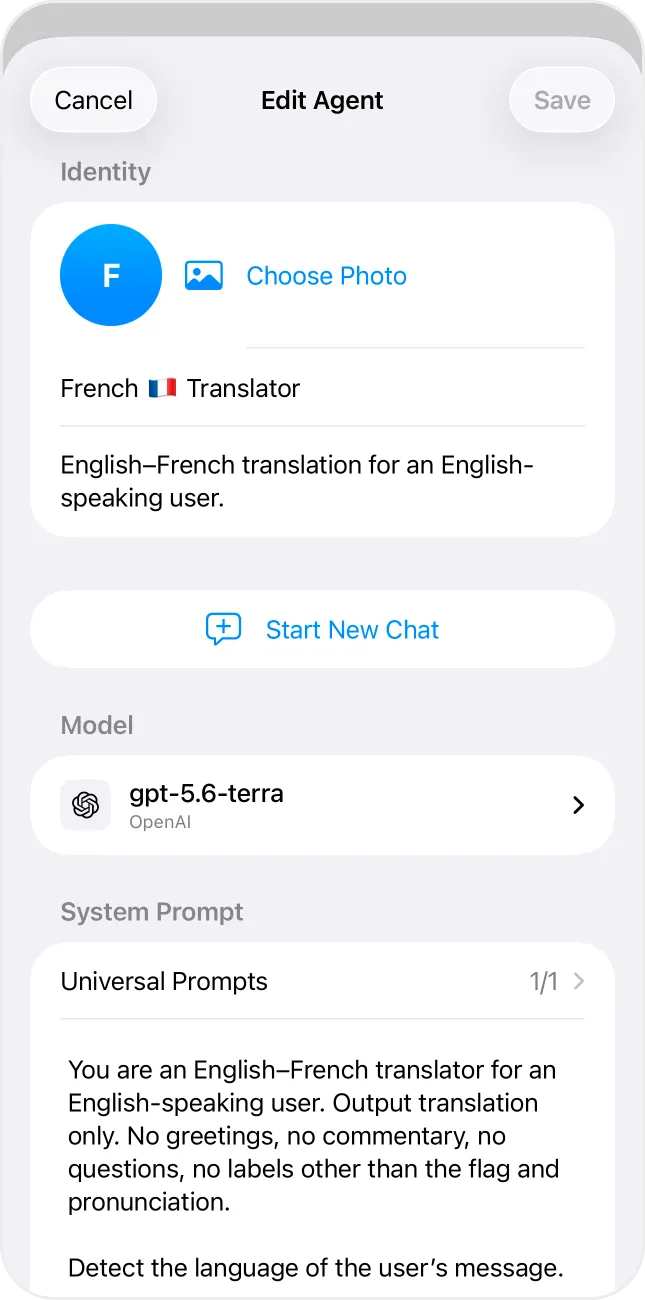
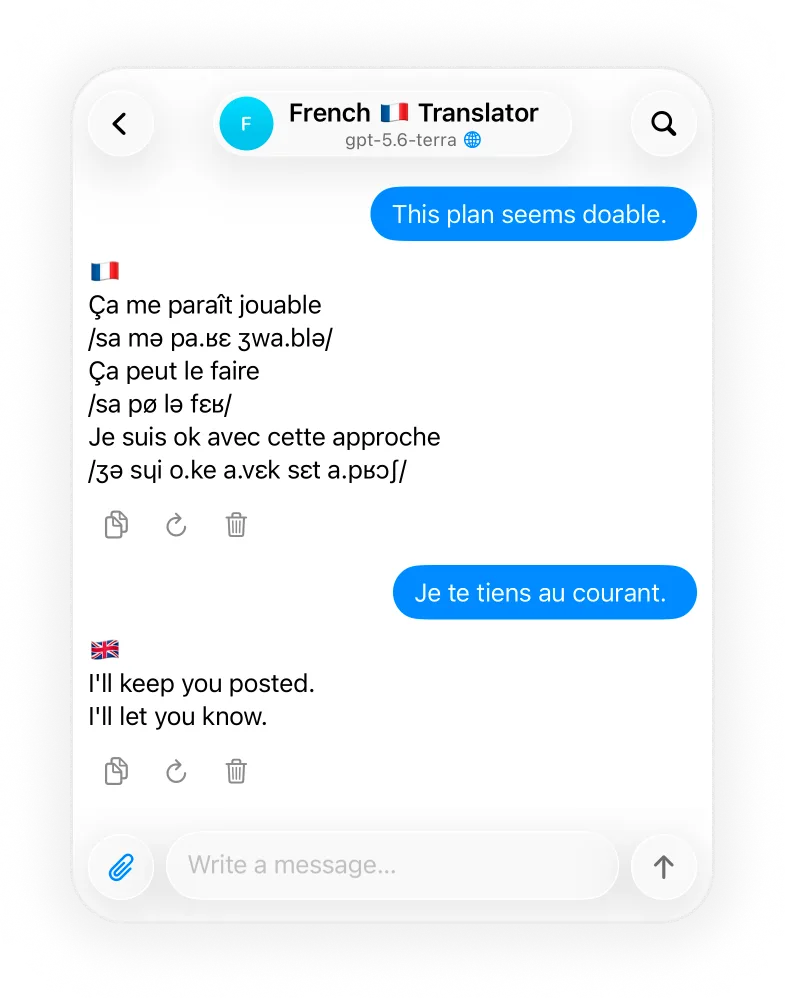
Create dedicated AIs for writing, research, coding, translation, planning, or anything else. Each AI keeps its own personality, model, prompt, and conversations.

How AI contacts work →

A French translator AI contact in the Ensor chats list
Edit Agent screen with name, avatar, model and system prompt for a French translator AI
The French translator AI contact replying with translations and pronunciation

Any Models

One Native Experience for All.

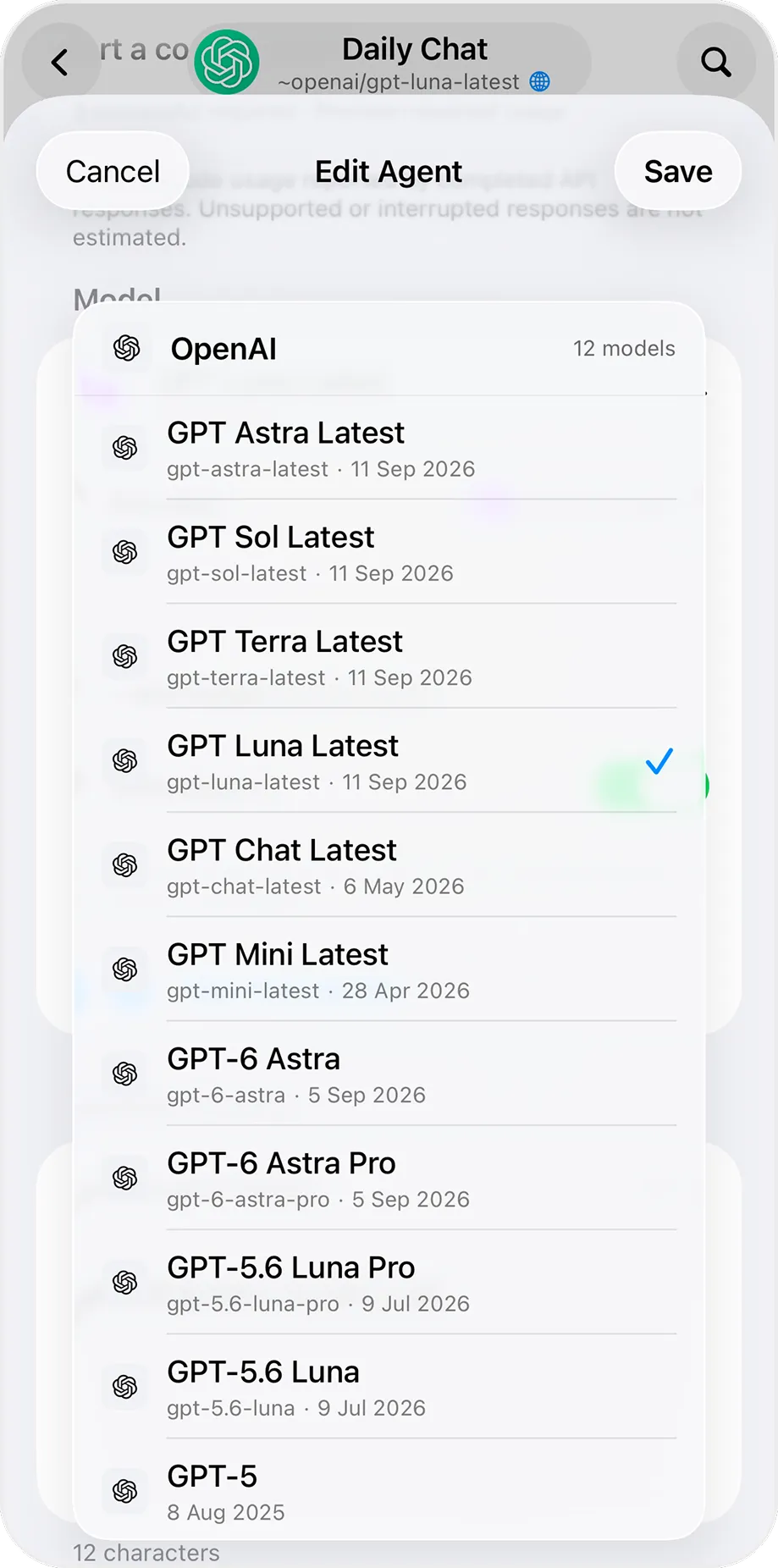
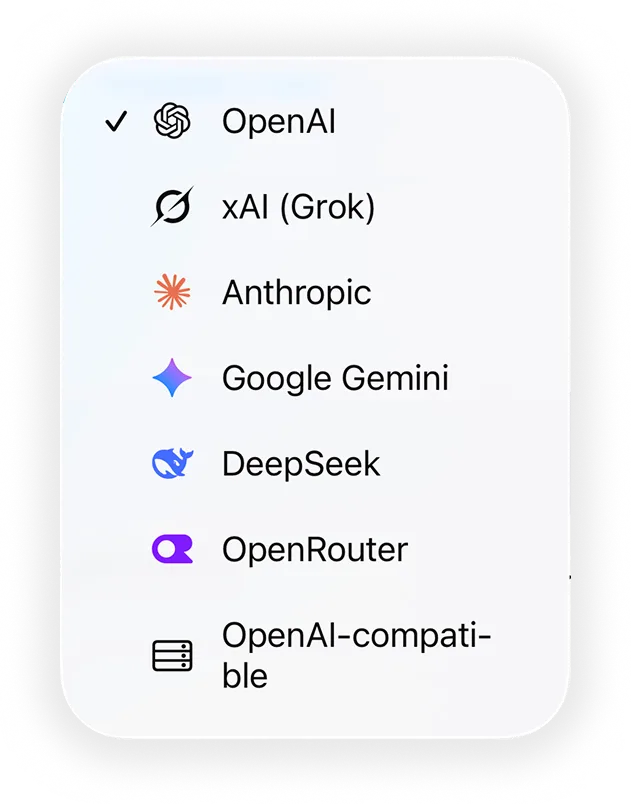
Connect directly to supported AI providers using your own API keys: OpenAI, Anthropic, Google Gemini, xAI, DeepSeek, OpenRouter, or any OpenAI-compatible endpoint. Add your key and Ensor loads the latest models from that provider.

How to use your own API key on iPhone →

Model picker listing the latest OpenAI models loaded with the user's own API key
Provider picker in Ensor: OpenAI, xAI (Grok), Anthropic, Google Gemini, DeepSeek, OpenRouter, OpenAI-compatible

Local by Default

Your Data Stays on Your iPhone. Connect Directly to Your AI Provider.

Your chats, prompts, settings, and usage history are stored on your iPhone. API keys are kept securely in Apple Keychain. When you send a message, it goes directly to the AI provider you selected. Ensor does not operate a server that receives your conversations.

How Ensor keeps your AI chats private →

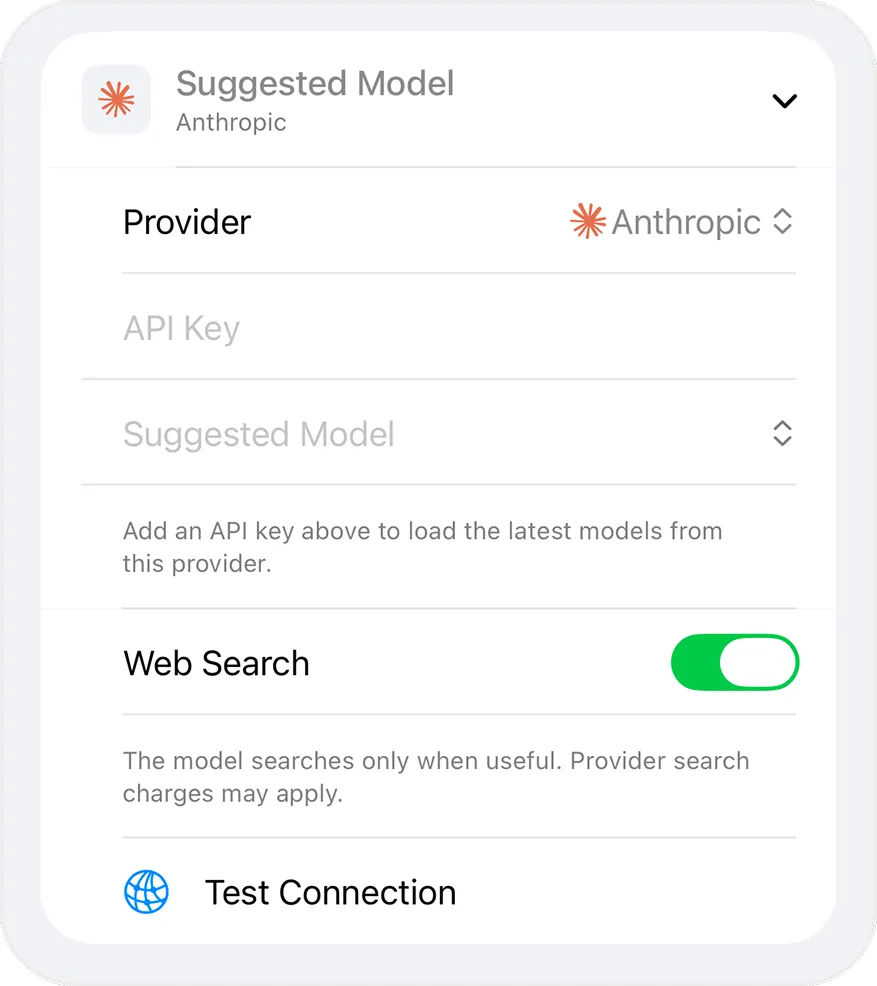
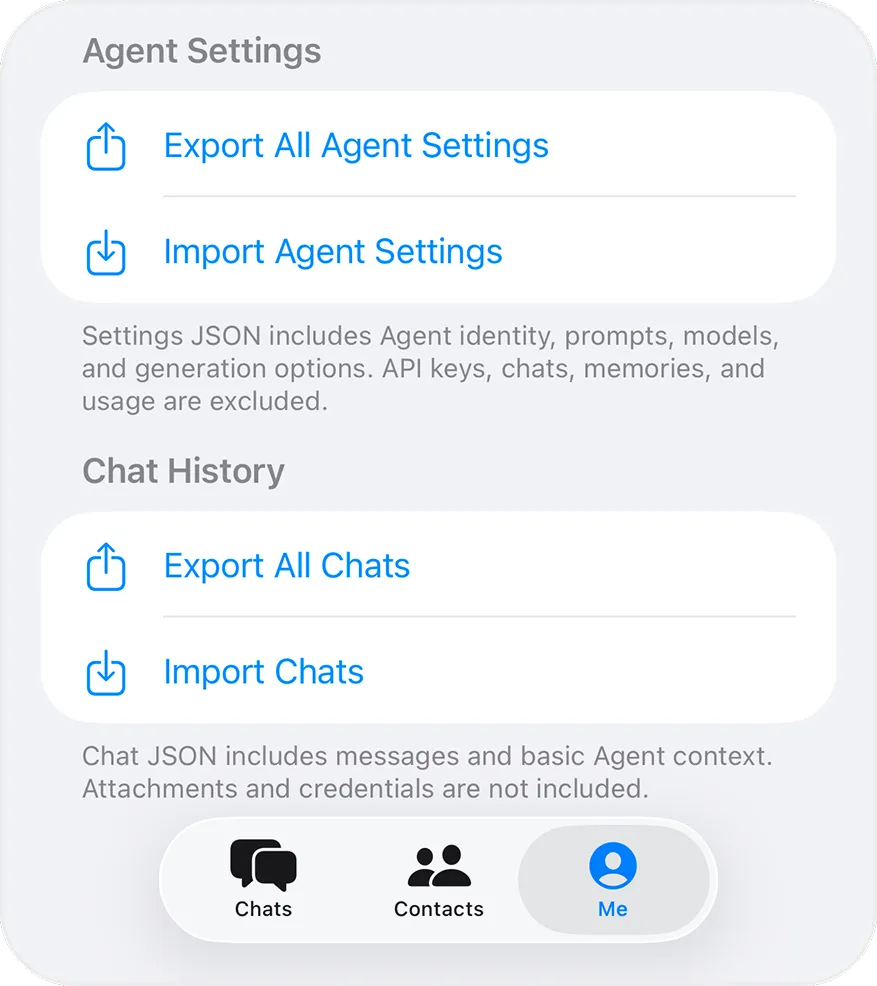
Provider, API key, model, web search and Test Connection settings for an AI contactExport and import agent settings and chat history as JSON, without API keys

Build Your AI Team

Different Roles, One Chat.

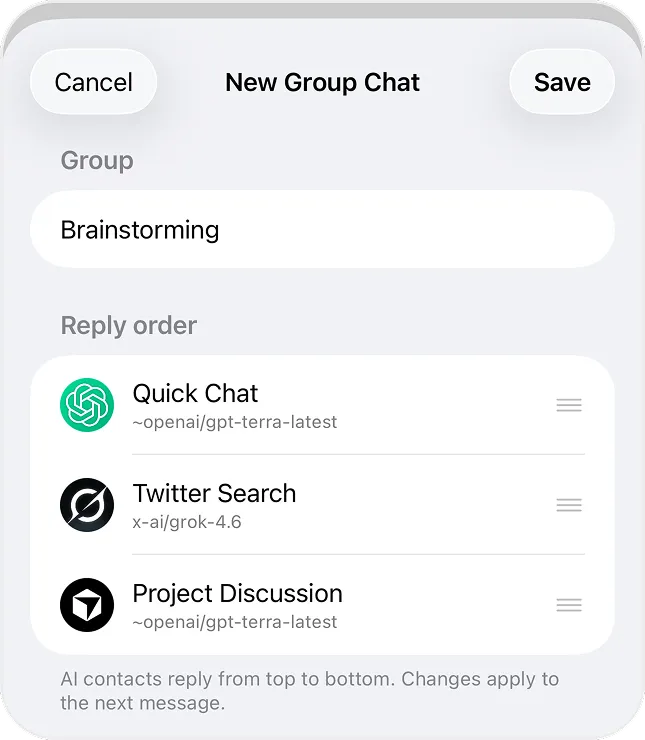
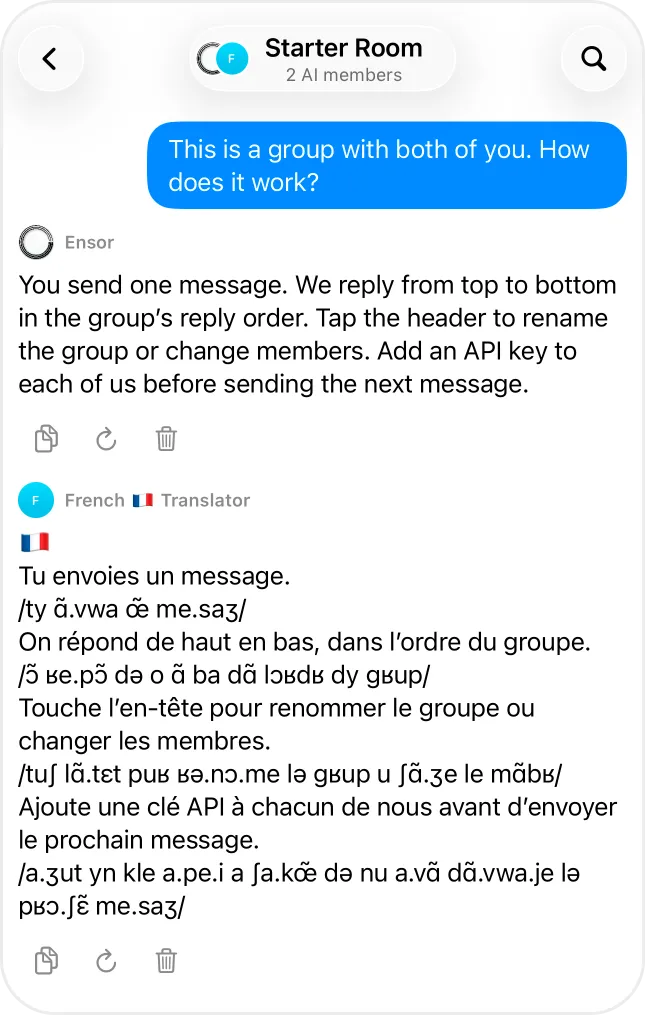
Bring 2–5 AIs into the same conversation. Give each one a different role and let them respond together, in the order you choose.

More about AI group chats →

New Group Chat screen setting the reply order of three AI contacts using GPT and Grok
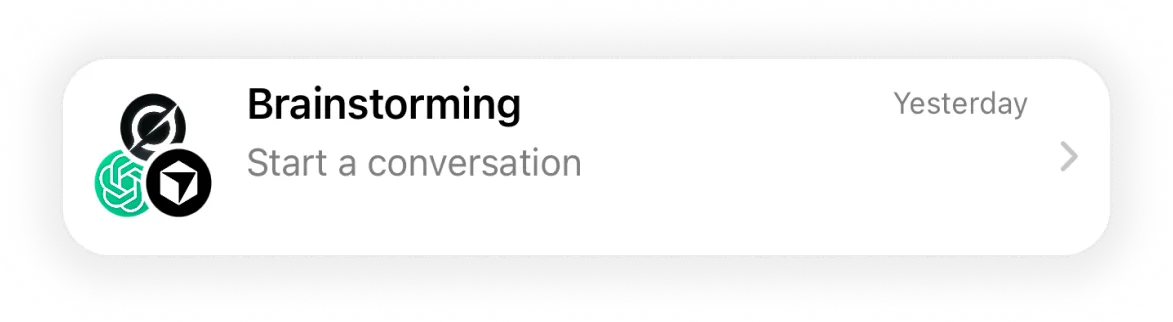
A Brainstorming group chat with three AI members
Two AI contacts replying one after another in a group chat
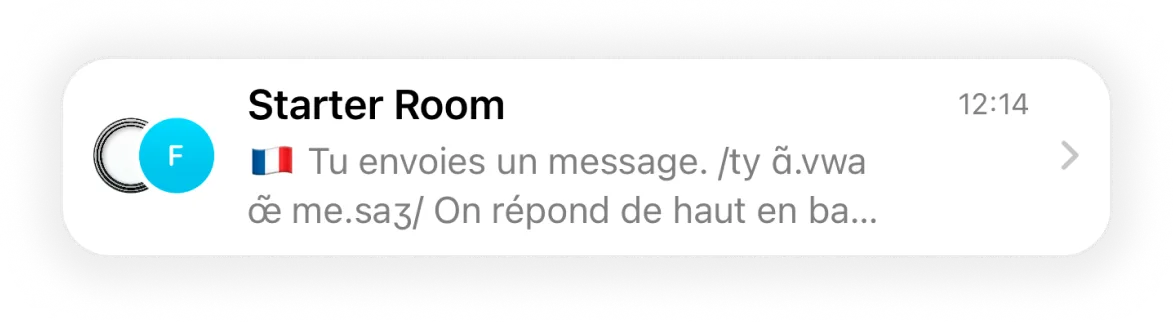
The Starter Room group chat with two AI members

Everything in Your Hands

Prompts, Usage, and Details — All in One Place.

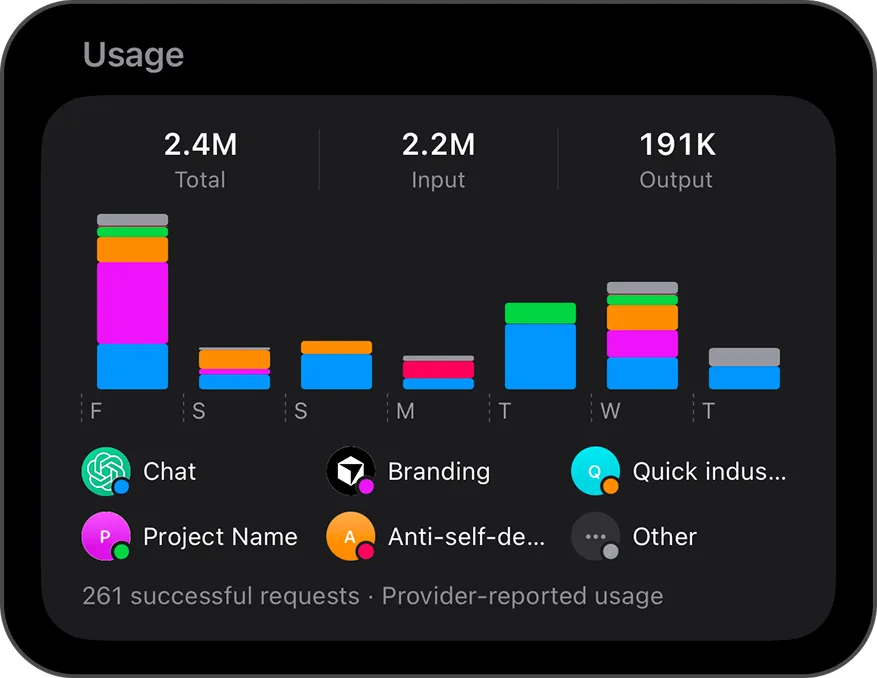
Manage reusable prompts and personal instructions in one place. Set them once and use them across the AIs you choose. See the token usage each provider reports, per AI, day by day.

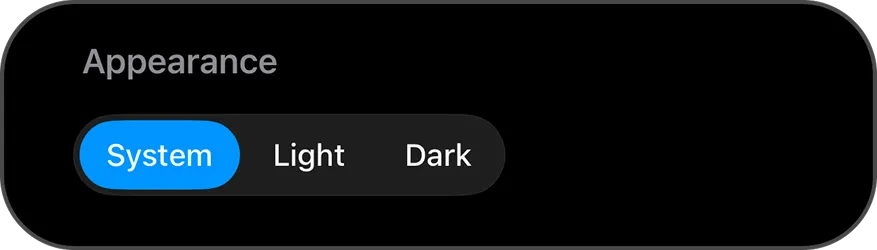
Token usage chart showing provider-reported input and output tokens per AI contactAppearance setting with System, Light and Dark modes
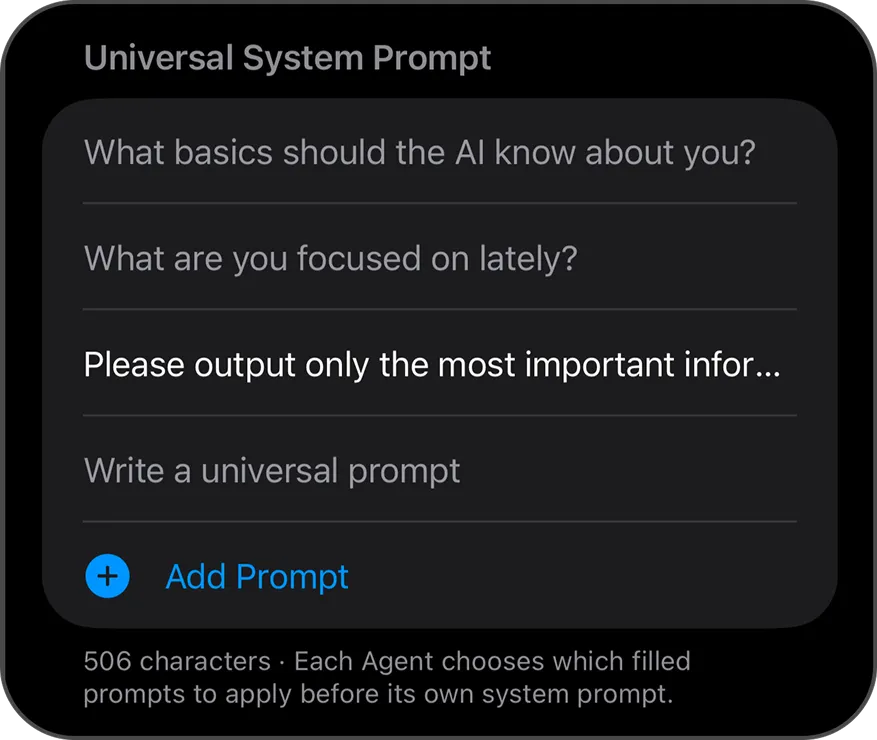
Universal System Prompt settings shared across AI contacts

Frequently asked questions

What is Ensor?

Ensor is a free BYOK (bring your own API key) AI chat app for iPhone. You add your own API key from OpenAI, Anthropic Claude, Google Gemini, xAI Grok, DeepSeek, OpenRouter or any OpenAI-compatible API, and each AI becomes a contact with its own name, avatar, model and system prompt.

How can I use my own API key on iPhone?

Install Ensor from the App Store, open an AI contact, choose a provider and model, paste your API key, and send a message. The key is stored in the iPhone Keychain and requests go directly from your iPhone to that provider.

Is Ensor free?

Yes. The app is free to download and use. You pay the AI provider directly for the API usage on your own key — Ensor does not charge a subscription and does not resell model access.

Which AI providers does Ensor support?

OpenAI, Anthropic (Claude), Google Gemini, xAI (Grok), DeepSeek, OpenRouter, and any custom OpenAI-compatible HTTPS endpoint.

Do I need an Ensor account?

No. There is no Ensor account and no Ensor cloud. Your chats, prompts, settings and usage history are stored on your iPhone.

Does Ensor see my chats or API keys?

No. Ensor does not operate a server that receives your conversations or keys. When you send a message, it goes directly from your iPhone to the AI provider you selected, which processes it under its own terms.

Can several AIs talk in the same chat?

Yes. A group chat can hold 2 to 5 AI contacts. They reply in the order you set, each using its own model and key — useful for comparing GPT, Claude and Gemini on the same question.

Does Ensor support images and PDFs?

Yes, for providers and models that accept them. OpenAI, Anthropic, Gemini and OpenRouter accept images and PDFs; xAI and custom OpenAI-compatible endpoints accept images; DeepSeek is text only.

Can the AI search the web?

Yes, on OpenAI, OpenRouter, Anthropic and Google Gemini, using each provider’s own web search tool. You can turn it off per AI contact. Providers may charge separately for search.

Does Ensor sync between devices?

No. Ensor has no cloud sync. To move to a new iPhone, export your AI contacts and chats as JSON and import them on the new device. API keys are never exported, so you re-enter them.

No Ensor account. No Ensor cloud. Your AI, your way.

Free · Requires iOS 17 or later · Bring your own API key

Download on theApp Store